
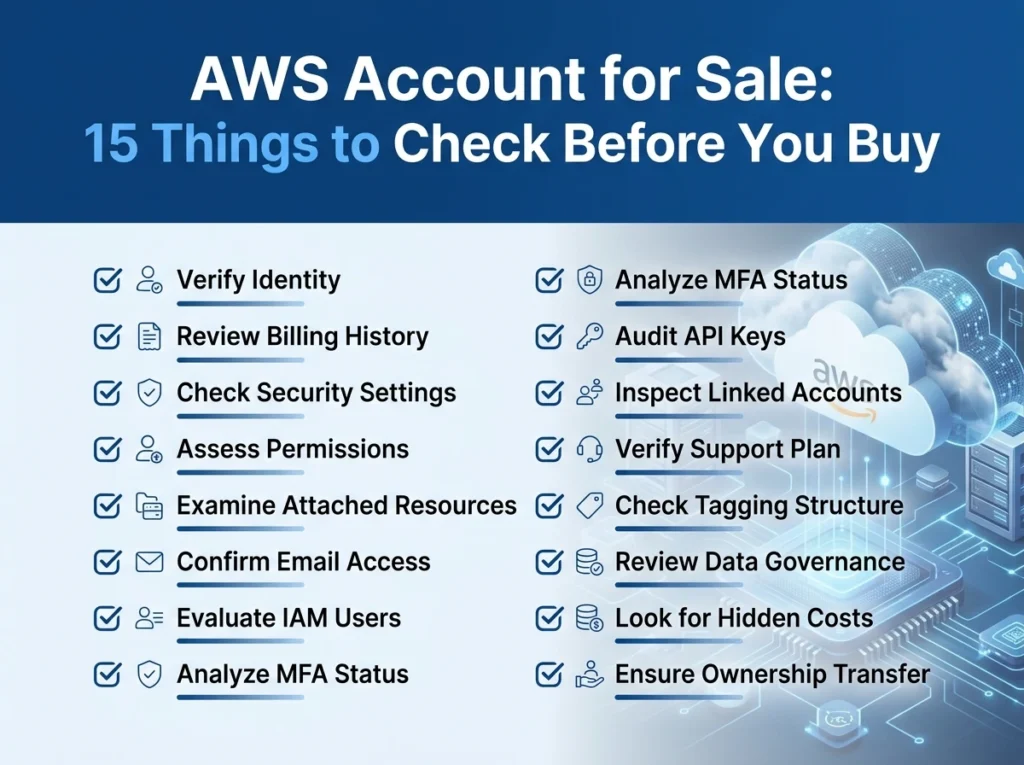
Buying an AWS account can save time and unlock aged infrastructure, but it carries real risks—from hidden billing debt to compromised security credentials. Before purchasing any available AWS accounts, verify account standing, service limits, IAM configurations, billing history, and compliance status to avoid costly surprises.
Purchasing an existing AWS account sounds like a shortcut. Skip the setup, inherit established service limits, and get straight to deploying infrastructure. For developers, startups, and cloud engineers who need to move fast, it’s an appealing option.
But available AWS accounts on the secondary market vary wildly in quality. Some are clean, well-maintained, and genuinely valuable. Others carry hidden debt, suspended services, or security vulnerabilities that can derail your operations—or worse, expose you to legal liability.
This checklist covers the 15 most critical things to verify before handing over payment for any AWS account.
Account Health and Standing
1. Is the AWS account in good standing with Amazon?
Start here. An account that has been flagged, suspended, or placed under review by AWS is nearly worthless. Log in and check the AWS Health Dashboard for any active alerts or past suspensions. A previously suspended account may face tighter scrutiny from AWS trust and safety teams going forward.
2. Does the account have any outstanding billing balances?
Unpaid invoices follow the account, not the seller. Request a full billing history for the past 12 months and confirm the balance is zero before transferring ownership. Any unpaid charges become your responsibility the moment the account changes hands.
3. Has the account ever violated AWS terms of service?
This one is harder to verify externally, but it matters. Ask the seller directly and cross-reference any service restrictions you find during your audit. Accounts used for spam, crypto mining, or unauthorized scraping often carry lingering restrictions that aren’t immediately visible.
Security and Access Controls
4. Are there any unrecognized IAM users, roles, or access keys?
IAM (Identity and Access Management) misconfigurations are one of the most common security risks in second-hand AWS accounts. Pull a full IAM credential report and review every user, group, role, and policy. Delete anything that doesn’t belong, and rotate all access keys immediately after purchase.
5. Is MFA (Multi-Factor Authentication) enabled on the root account?
The root account is the master key to everything. If MFA isn’t enabled—or if the seller can’t confirm it was active—treat that as a red flag. After acquiring the account, enabling MFA on the root account should be the first thing you do.
6. Have the root account credentials been transferred securely?
Root credentials should never be shared over email or instant messaging. Insist on a secure credential transfer process, and change both the root email address and password immediately after the handover is complete.
Service Limits and Region Configuration
7. What are the current service limits on the account?
Aged AWS accounts often have elevated service limits—more EC2 instances, higher Lambda concurrency, increased S3 request rates—compared to newly created accounts. This is frequently cited as a key reason to buy an existing account. Verify these limits are genuinely in place by checking the Service Quotas dashboard before completing the purchase.
8. Which AWS regions are enabled on the account?
Some regions require manual opt-in. Check which regions are currently active and whether that aligns with your intended deployment locations. Also confirm there are no region-specific restrictions or compliance flags attached to the account.
9. Are there any reserved instances or savings plans attached?
Reserved Instances and Savings Plans represent pre-paid compute commitments. They can be valuable—or a liability if they cover services you don’t plan to use. Review all active reservations and their expiration dates before purchasing.
Infrastructure and Resource Inventory
10. What active resources are running in the account?
An account with running EC2 instances, RDS databases, or active load balancers will generate charges from day one. Request a full resource inventory, and verify it against the AWS Cost Explorer data. Any orphaned resources that weren’t mentioned by the seller are a sign of poor account hygiene.
11. Are there any active third-party marketplace subscriptions?
AWS Marketplace subscriptions auto-renew and can carry significant monthly fees. Check the AWS Marketplace Subscriptions page for any active software agreements that would transfer with the account.
12. Does the account have any VPCs, subnets, or networking configurations in place?
Pre-configured networking can be an asset, but it can also be a headache if the setup doesn’t match your architecture. Review all VPCs, security groups, and route tables. Pay particular attention to overly permissive security group rules—these are a common residue of poorly managed accounts.
Compliance, Legal, and Organizational Considerations
13. Is the account part of an AWS Organization?
Accounts nested inside an AWS Organization may have Service Control Policies (SCPs) applied to them that restrict what actions you can take. Before buying, confirm whether the account is a standalone account or a member of an organization—and if it’s the latter, understand exactly what restrictions are in effect.
14. Are there any compliance certifications or audit logs associated with the account?
If you’re operating in a regulated industry—healthcare, finance, or government—you may need to demonstrate compliance with frameworks like HIPAA, SOC 2, or PCI DSS. An account with a clean CloudTrail history and established compliance posture can accelerate your audit readiness. Confirm that CloudTrail is enabled and that logs are stored securely.
15. Has the account been legally and legitimately obtained by the seller?
This is the due diligence question that too many buyers skip. AWS’s terms of service prohibit the transfer of accounts in certain circumstances, and purchasing an account obtained through fraudulent means can result in immediate termination. Verify the seller’s identity, request proof of original account creation, and review any paperwork carefully before proceeding.
Make Your Purchase with Confidence
Available AWS accounts range from genuinely useful assets to ticking time bombs. The 15 checks above won’t guarantee a perfect purchase, but they will eliminate the most common—and most costly—risks.
Work through each item methodically. Request documentation for anything you can’t verify yourself. And if a seller is reluctant to provide access for a pre-purchase audit, that reluctance tells you everything you need to know.
The right AWS account, properly vetted, can give your cloud operations a meaningful head start. The wrong one can set you back further than starting from scratch.
Frequently Asked Questions
Is it legal to buy and sell AWS accounts?
AWS’s terms of service generally prohibit the transfer or resale of accounts. Before purchasing any available AWS accounts, review AWS’s current policies and seek legal advice to understand the implications in your jurisdiction.
What’s the biggest risk of buying an existing AWS account?
The most common risks are undisclosed billing debt, compromised IAM credentials, and hidden service restrictions resulting from past policy violations. A thorough pre-purchase audit can surface most of these issues.
How do I verify an AWS account’s service limits before buying?
Ask the seller to provide screenshots from the Service Quotas dashboard, or request temporary read-only IAM access to verify limits yourself before committing to the purchase.
Should I change all credentials immediately after buying an AWS account?
Yes. Rotate all IAM access keys, change the root account password, update the root email address, and enable MFA on the root account as the first actions after any AWS account acquisition.
What is a reasonable price for an available AWS account?
Pricing varies based on account age, service limit elevations, existing infrastructure, and compliance history. There is no fixed market rate—evaluate value based on what the account offers relative to your specific use case.
Visit here read more info.