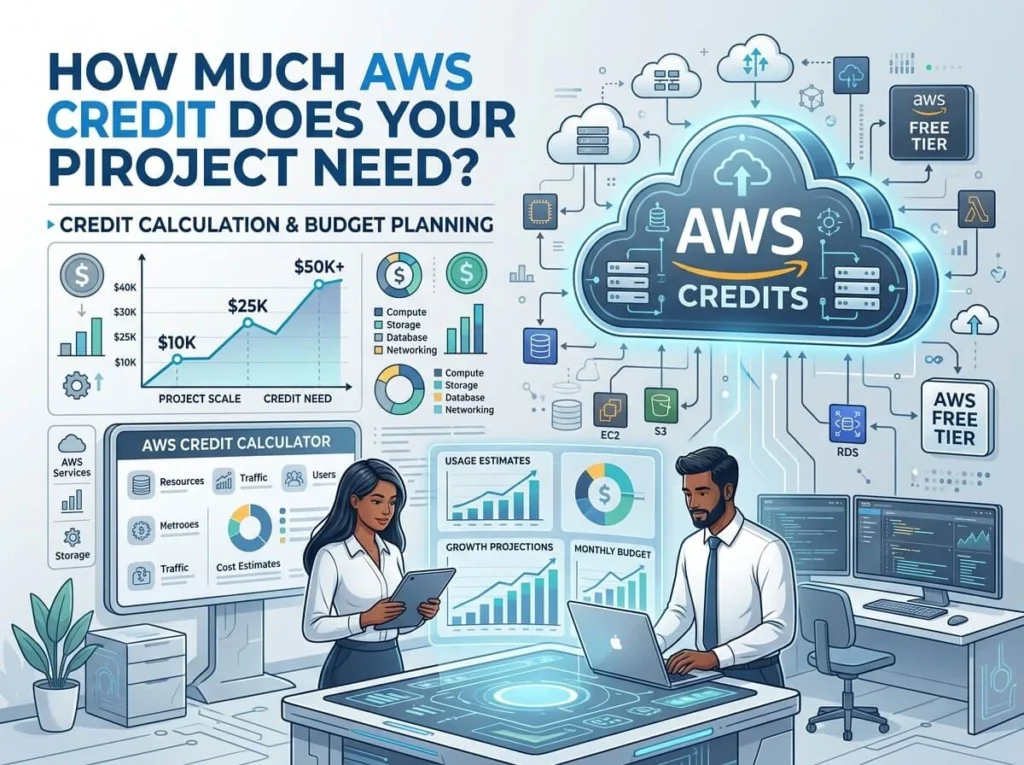
How much AWS credit does your project actually need?
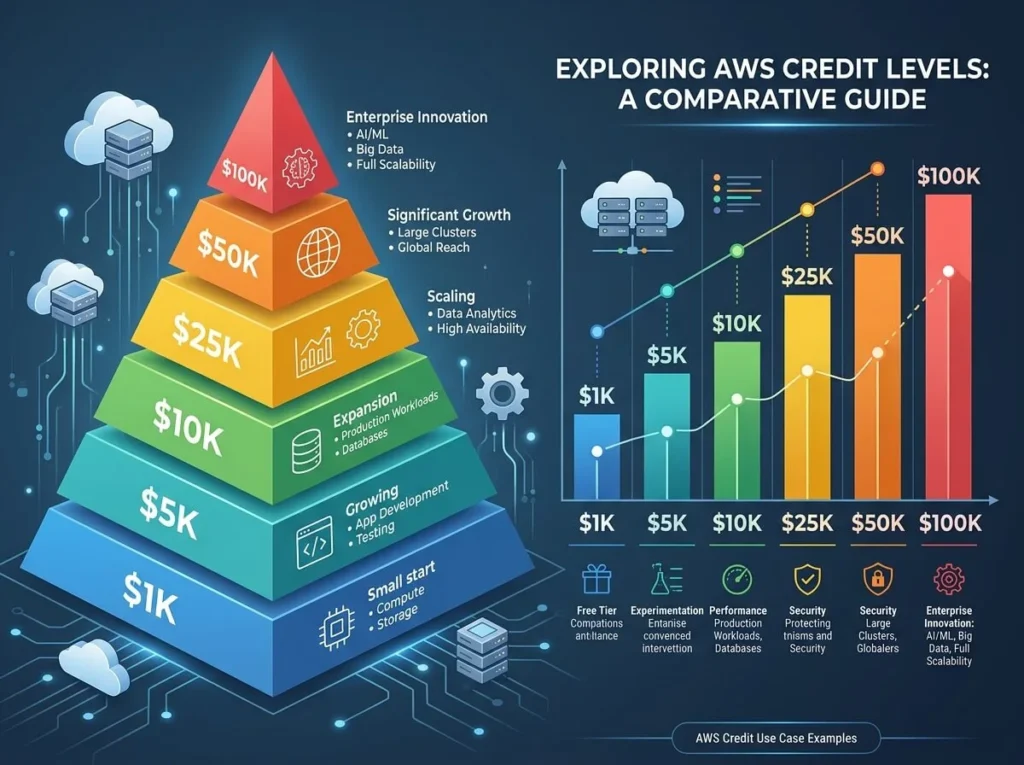
The amount of AWS credit you need depends on your project’s compute, storage, and data transfer requirements. Small projects or prototypes typically need $1,000–$5,000 in credits, while production-grade applications can require $25,000 or more. Startups should estimate usage by service, then apply for credits through AWS Activate or partner programs. AWS credits can be the difference between a project that launches and one that stalls. For startups, researchers, and developers building on Amazon Web Services, credits offset infrastructure costs that would otherwise eat into tight budgets. But applying for too few credits leaves you with unexpected bills, while applying for more than you need wastes time justifying an inflated request. So how do you figure out the right number? The answer starts with understanding what credits cover, which AWS services your project actually uses, and how to estimate consumption before you’ve written a single line of production code. What are AWS credits and how do AWS accounts with credits work? AWS credits are promotional funds applied directly to your AWS account balance. Once applied, they offset charges across most AWS services—compute instances, storage buckets, databases, machine learning tools, and more—until the credit balance runs out or the expiration date passes. AWS accounts with credits work like a prepaid balance. You use services as normal, and AWS deducts costs from your credit balance first before charging your payment method. Credits don’t change how you access or manage AWS—they simply reduce what you owe. Credits are available through several channels: AWS Activate — the primary program for startups, offering up to $100,000 in credits depending on your tier and ecosystem partners AWS research grants — for academic and nonprofit research projects Marketplace and partner programs — accelerators, incubators, and VC firms often distribute AWS credits to portfolio companies Promotional offers — occasionally tied to specific services like Amazon SageMaker or AWS DeepRacer Each credit grant comes with terms: an expiration date (typically 12–24 months), eligible services, and sometimes geographic restrictions. Always read the terms before factoring credits into your budget plan. What factors determine how many AWS credits your project needs? No two projects consume AWS resources the same way. Before estimating credit requirements, map your project against the five main cost drivers on AWS. 1. Compute (EC2, Lambda, ECS, EKS) Compute is usually the largest cost category. The amount you need depends on instance type, hours of operation, and whether your workload runs continuously or in bursts. A t3.medium instance running 24/7 costs roughly $30/month, while a compute-optimized c6i.4xlarge can run $500/month or more under sustained load. Serverless compute via AWS Lambda charges per invocation and duration—ideal for event-driven workloads, but costs can spike unexpectedly at scale. 2. Storage (S3, EBS, EFS) Amazon S3 storage costs approximately $0.023 per GB per month for standard storage in US East regions. If your project handles media files, backups, or large datasets, storage costs accumulate quickly. A project storing 10 TB of data pays roughly $230/month in storage alone—before factoring in data retrieval and request costs. 3. Data transfer AWS charges for data leaving its network (egress). Inbound data transfer is free, but outbound costs $0.09 per GB for the first 10 TB per month. Applications serving large files or video to end users can generate significant egress bills that new users often underestimate. 4. Databases (RDS, DynamoDB, Aurora) Managed database services carry a premium over self-managed alternatives. Amazon RDS for PostgreSQL on a db.t3.medium instance runs approximately $60–80/month. Aurora Serverless can be cost-effective for variable workloads but requires careful capacity planning to avoid runaway costs. 5. Machine learning and AI services If your project uses Amazon SageMaker, Rekognition, Comprehend, or Bedrock, factor in both training and inference costs. SageMaker training jobs on ml.p3.2xlarge instances cost around $3.83/hour—a single large model training run can consume thousands of dollars in credits. How to estimate AWS credit requirements for your project A structured estimate takes less than an hour and prevents costly surprises later. Step 1: List every AWS service your project will use. Start with compute, storage, and database. Add supporting services like load balancers, CloudFront, Route 53, and monitoring tools. Step 2: Use the AWS Pricing Calculator. The AWS Pricing Calculator lets you configure each service and generate a monthly estimate. Build a conservative scenario and an optimistic growth scenario. Step 3: Multiply by your expected timeline. If you’re requesting credits for a 12-month runway, multiply your monthly estimate by 12 and add a 20–30% buffer for unexpected usage, testing, and development environments. Step 4: Account for the development phase. Projects often run multiple environments—development, staging, and production—simultaneously. Development and staging environments might add 30–50% to your production estimate during active build phases. Step 5: Compare to available credit tiers. AWS Activate Founders tier offers $1,000 in credits. The Portfolio tier, accessed through AWS partners and accelerators, offers up to $100,000. If your estimate exceeds the tier you qualify for, explore partner programs that can unlock higher credit amounts. How much AWS credit do different project types typically need? While every project is different, these ranges reflect common patterns: Project type Typical credit range MVP or proof of concept $1,000–$5,000 Early-stage SaaS product $5,000–$25,000 Data-heavy or ML project $25,000–$100,000 Scale-up or growth stage $50,000–$100,000+ These figures assume 12 months of runway. Projects with heavy ML training, real-time data pipelines, or significant end-user traffic will sit at the higher end of each range. Getting the most out of your AWS credits Receiving credits is only half the equation. Burning through them faster than expected is a common mistake that leaves projects exposed to unplanned costs. A few practices that help stretch credit value: Use reserved instances or savings plans for predictable workloads. These can reduce compute costs by up to 72% compared to on-demand pricing, making your credits go further. Set billing alerts. Configure AWS Budgets to notify you when spending hits 50%, 75%, and 90% of your credit balance. Right-size your instances. AWS Compute Optimizer analyzes usage patterns and recommends more cost-effective instance
How much AWS credit does your project actually need? Read More »