
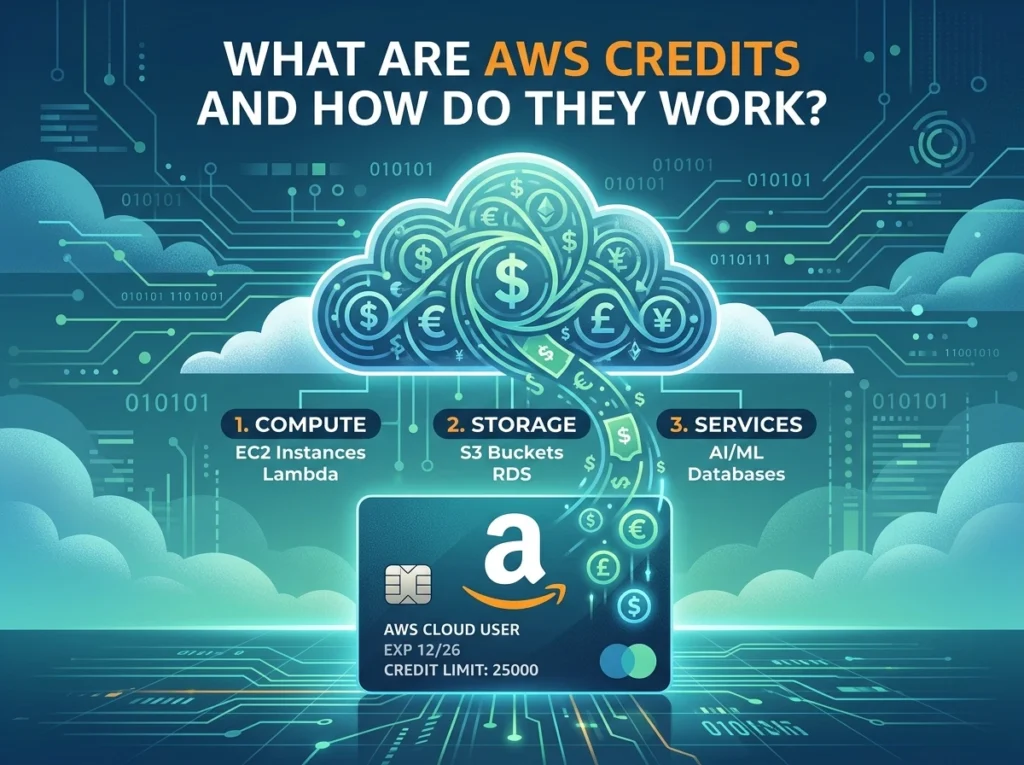
AWS Credits are promotional tokens issued by Amazon Web Services that offset your AWS bill. They’re available through startup programs, educational initiatives, and promotional offers—and they apply automatically to eligible services once added to your AWS account.
If you’ve ever received an AWS credit code and wondered what to do with it, you’re not alone. AWS Credits are one of those features that can save businesses thousands of dollars, yet many users don’t fully understand how they work—or how to get them in the first place.
This post breaks down exactly what AWS Credits are, how they differ from other AWS pricing mechanisms, and how they apply to your account once activated.
What Are AWS Credits?
AWS Credits are promotional tokens provided by Amazon Web Services that reduce the cost of your AWS usage. Think of them as a voucher you apply to your account—once active, they automatically deduct from your monthly bill before any payment is charged.
AWS Credits are not the same as billing discounts, Reserved Instances, or Savings Plans. Here’s the key distinction:
- Reserved Instances and Savings Plans require upfront commitments in exchange for lower hourly rates. You’re essentially pre-purchasing capacity.
- Billing discounts are percentage-based reductions negotiated with AWS, typically reserved for high-volume enterprise customers.
- AWS Credits, by contrast, are a fixed dollar amount applied to your account with no commitment required. They’re often issued as part of a program or promotional offer.
What types of AWS Credits are available?
AWS Credits come from several different sources:
- Startup programs: AWS Activate is the most well-known example. Startups can apply for credits ranging from $1,000 to $100,000 depending on their stage and which Activate tier they qualify for (Activate Founders or Activate Portfolio).
- Educational programs: AWS Educate and AWS Academy provide credits to students, educators, and institutions exploring cloud computing.
- Promotional offers: AWS occasionally distributes credits through events like AWS re:Invent, partner programs, hackathons, or co-marketing arrangements.
- Support credits: In some cases, AWS may issue credits as goodwill compensation when service disruptions affect your workloads.
Each credit type may come with its own expiration date, eligible services, and usage restrictions—so it pays to read the fine print.
How Do AWS Credits Work?
How do you apply AWS Credits to your account?
Applying AWS Credits is straightforward. Here’s how the process works:
- Receive your credit code: Credits are typically delivered via email or through the program portal (e.g., AWS Activate).
- Sign in to your AWS account: Navigate to the AWS Billing and Cost Management console.
- Go to Credits: Under the left-hand menu, select “Credits.”
- Enter the credit code: Input the code in the designated field and click “Redeem.”
- Confirm activation: Once redeemed, the credit appears in your Credits balance and is set to apply automatically to future bills.
After activation, AWS applies credits automatically at the end of each billing cycle. Credits are used before any payment method is charged, so you won’t need to manually apply them to individual services.
Which AWS services do credits apply to?
Most AWS Credits apply broadly across eligible services—compute (EC2), storage (S3), databases (RDS), and more. However, some credits carry restrictions. For example, a credit issued through an AWS Marketplace partner promotion might only apply to specific third-party services within the Marketplace.
Always check the “Applicable Services” section when redeeming a credit. This information is visible in the Credits section of your Billing console alongside the credit’s expiration date and remaining balance.
How are credits prioritized if you have multiple credits?
AWS accounts with credits from multiple sources will have those credits applied in a specific order: credits with the earliest expiration date are used first. If two credits share the same expiration date, AWS applies the one with the more limited service scope before the broader one.
This prioritization is handled automatically—you don’t need to configure anything. That said, it’s worth monitoring your Credits balance regularly, particularly if you’re running multiple programs or promotions simultaneously.
What AWS Credits Mean for Startups, Enterprises, and Developers
Why do AWS Credits matter for startups?
For early-stage startups, AWS Credits can be a genuine lifeline. Cloud infrastructure costs can escalate quickly during development and scaling phases, and credits help delay cash outflows while teams focus on building product.
Through AWS Activate, eligible startups can access not just credits but also technical support, training, and go-to-market resources. According to AWS, tens of thousands of startups have used Activate to get off the ground—including many that have since become large-scale AWS customers.
Are AWS Credits useful for enterprises and larger organizations?
For enterprises, AWS Credits tend to play a different role. Large organizations are more likely to negotiate custom pricing, use Reserved Instances, or leverage AWS Enterprise Discount Programs (EDP). That said, credits issued through co-marketing agreements or AWS Partner Network (APN) programs can still provide meaningful cost offsets for specific projects or proof-of-concept workloads.
How can developers and individual users access AWS Credits?
Individual developers can access AWS Credits primarily through educational programs like AWS Educate, or by participating in hackathons and community events that include credit giveaways. AWS Free Tier is a separate (and complementary) option that gives developers limited free access to core services for 12 months—but it functions differently from credits and isn’t transferable or stackable in the same way.
Common Questions About AWS Credits
Do AWS Credits expire?
Yes. Every AWS Credit has an expiration date, typically set 12 to 24 months from issuance. Unused credits do not roll over after expiration, and AWS does not provide extensions. Check your expiration dates regularly in the Billing console.
Can you transfer AWS Credits to another account?
No. AWS Credits are non-transferable. Once redeemed on a specific AWS account, they cannot be moved to another account—even within the same organization.
What happens to unused credits at the end of the billing cycle?
Unused credits carry forward to the next billing cycle until either fully consumed or expired. Credits do not accumulate interest or compound—they simply reduce future bills until they’re depleted.
Can credits be combined with other discounts?
Generally, yes. AWS Credits can be used alongside Reserved Instance pricing, Savings Plans, and Free Tier benefits. The credits will apply after Free Tier usage and in conjunction with any discounted rates already in effect.
Making the Most of Your AWS Credits
AWS Credits are a practical and often underutilized way to reduce cloud costs—especially for startups building on AWS for the first time. The activation process takes minutes, and once applied, credits work silently in the background to offset your bill each month.
A few things worth keeping in mind: track your credit expiration dates, check the eligible services before assuming broad coverage, and if you’re managing multiple AWS accounts under an organization, confirm whether credits apply at the payer account level or the individual linked account level.
For startups specifically, the AWS Activate program is the clearest path to meaningful credits. If your company hasn’t applied yet, it’s worth evaluating your eligibility—the potential savings are significant, and the application process is relatively simple.
You can also visit here : What Is a Verified AWS Account? A Complete Guide for Buyers